The Document List and Document List Toolbar Overview
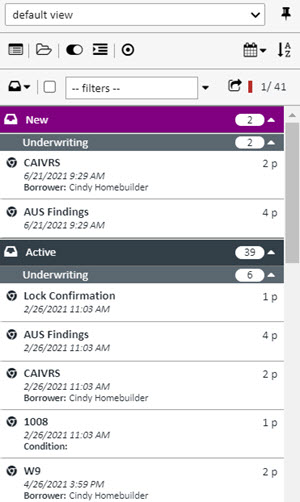
Document List
- Located in the upper-left corner of the Document Viewer.
- Displays all documents associated with the current loan file.
Document List Toolbar
- Positioned above the Document List.
- Provides tools to:
- Sort documents in various ways (e.g., by name, type, date).
- Manage view states for:
- Document Buckets (grouped by workflow or category).
- Document Categories (organized by type or purpose).