
Drag and Drop Document Upload
Drag & Drop Document Upload Process
Page Limit: 999 pages per submission
Steps
-
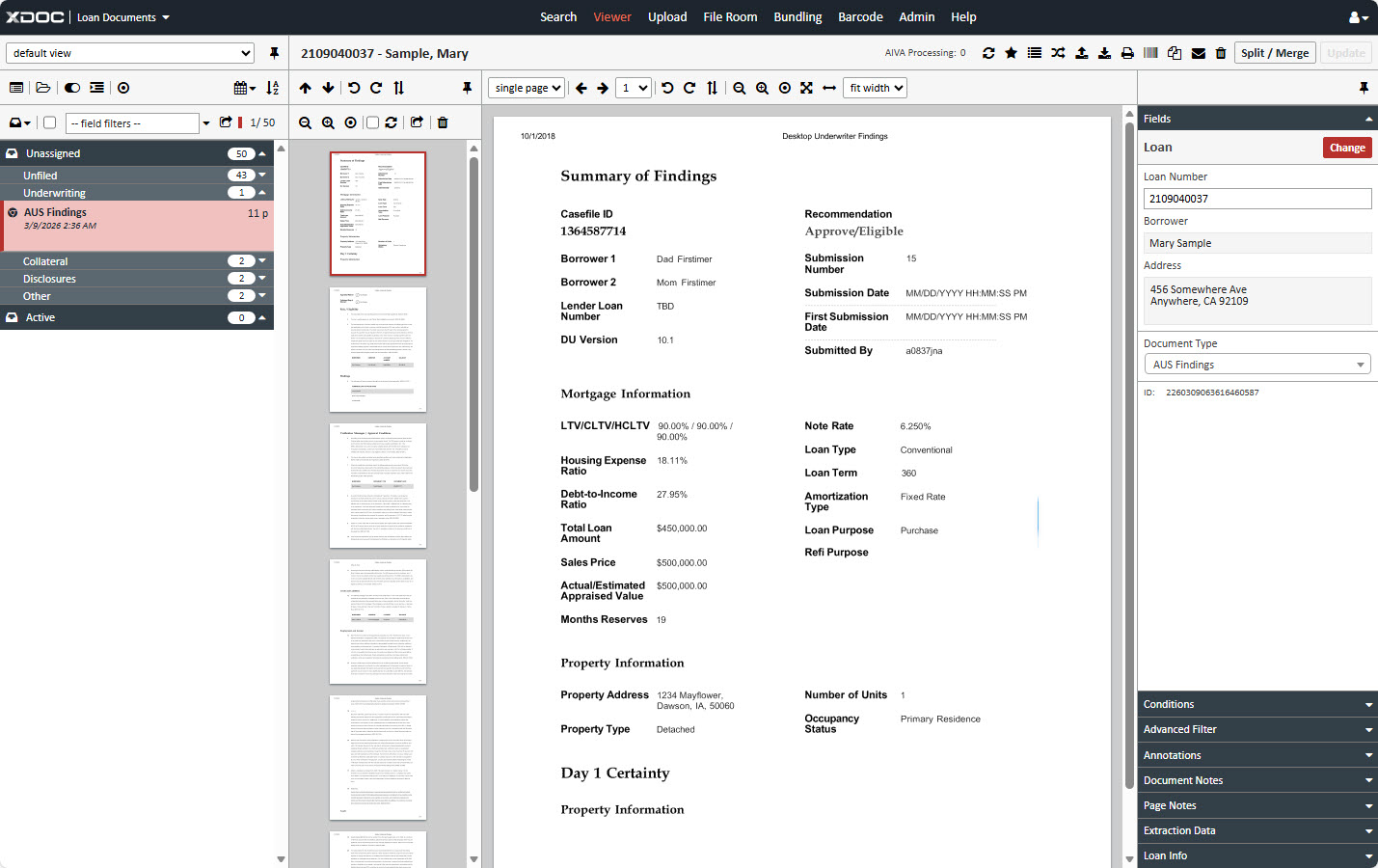
Open the Document Viewer
- Navigate to the loan where you want to add documents.
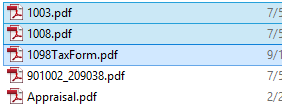
2. Select Documents
- From your desktop or local folder, click the document(s) you want to upload.
3. Drag & Drop
- Drag the selected documents onto the Page Viewer section of the Document Viewer.
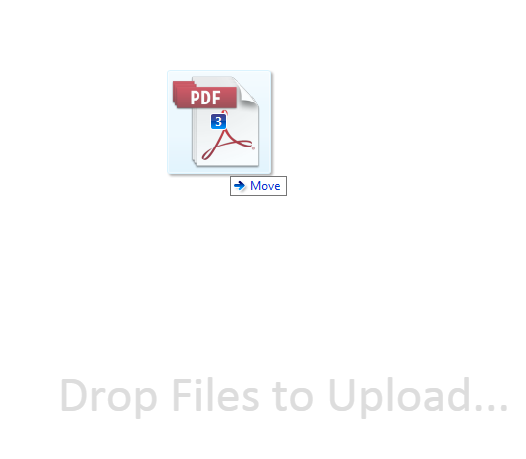
4. Release Mouse
- The Document Upload page will appear and attach all files.
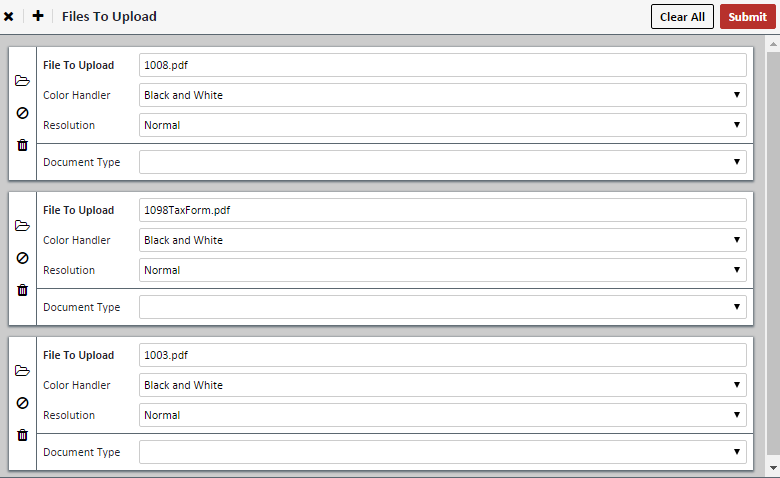
5. Assign Fields
- Color Handler:
- Black and White
- Smart Color Detection – Only renders actual color pages in color.
- Full Color – Renders all pages in color.
- Resolution:
- Normal – 200 dpi
- High – 300 dpi
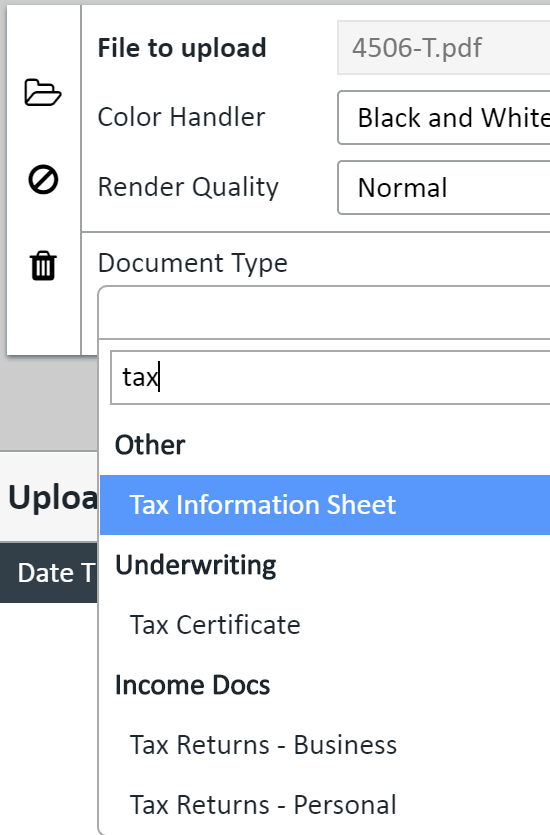
6. Choose Document Type & Additional Fields
- Type the document name in the box for quick filtering.
- AIVA Users: If Document Type is not selected, AIVA will return OCR results.
7. Click SUBMIT
8. Return to Viewer
- Click the X on the upper right of the upload screen.
9. Verify Documents
- Your documents will now appear in the Document Viewer.
| Icon | Description |
|---|---|
 |
Browse File – Opens File Explorer |
 |
Clears file name |
 |
Delete upload instance |
 |
Clears all instances except one |
 |
Closes Upload screen and returns to Viewer |
 |
Adds another upload instance |