
Document Email
Emailing a Document
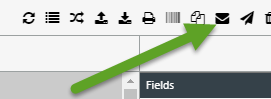
XDOC allows you to email a selected document directly from the Document Viewer. Click the Email button to open the Email Document window shown below.
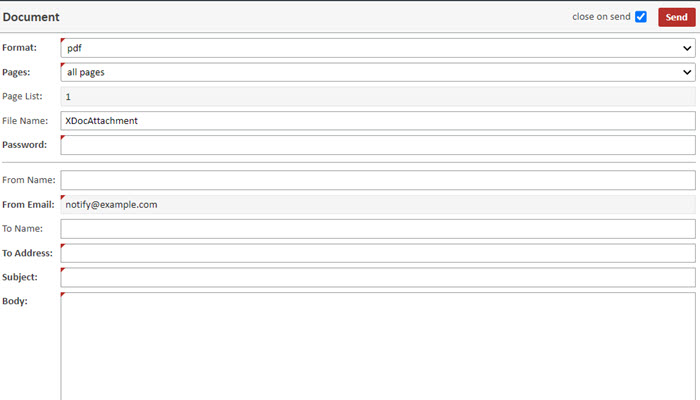
| Field | Description |
|---|---|
| Format (req'd)* | Select the document format. Currently, PDF is the only supported format. |
| Pages (req'd) | Choose all pages or specific page list. If specific page list is selected, a value must be entered in the Page List field. |
| Page List | Enter the specific pages to include in the emailed document. |
| File Name* | Enter the name of the attached file. |
| Password (req'd)* | Enter a password to protect the document. The recipient must be informed of the password separately. |
| From Name | Enter the sender's name. This will appear in the email's From field. |
| From Email | Automatically populated from XDOC Administration settings. |
| To Name | Enter the recipient's name. |
| To Address (req'd) | Enter the recipient's email address. |
| Subject (req'd) | Enter the email subject. |
| Body (req'd) | Enter the message to include in the email body. |
* These values can be defaulted based on the Document Email settings configured in Admin → Projects → User Interface → User Interface.
When you have filled in all of the appropriate fields, click SEND